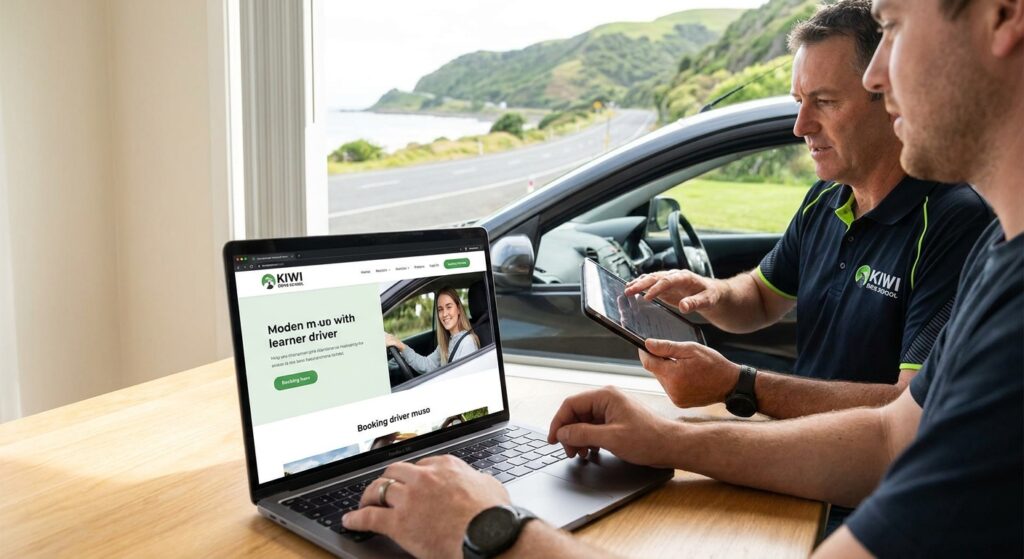
A driving-school website should help a learner understand the lesson offered, the instructor and coverage available, and what happens when they enquire or book. A person asking about a first lesson may need a different route from an existing student arranging another session.
This agency-authored guide from Auckland-based No Brainer Creative is a website planning checklist. It does not promise lesson demand, fewer no-shows, licence-test outcomes or a Google position. The school should approve its service and instructor information before publication.
1. Define the lesson and the next step
List the actual services, lesson types, vehicles where relevant, coverage and availability process. Distinguish a general enquiry, a booking request and a confirmed lesson. Do not assume every visitor can choose and pay for the same service without staff review.
For example, an existing learner may know the appropriate lesson and instructor, while a new enquiry may need a conversation first. These are illustrative journeys, not measured client results. The website should explain which route applies and what information the school needs.
- Describe the lesson scope and any school-approved prerequisites.
- Show current approved pricing information and what each offer includes.
- Explain genuine coverage and meeting or pickup arrangements.
- Identify who confirms availability and handles questions.
- Use confirmation wording that matches the actual booking state.
2. Verify instructor information and claims
Use accurate biographies, genuine photographs and credentials the school can substantiate. NZTA’s driving instructor endorsement factsheet explains the relevant endorsement. Ask the responsible school reviewer to check the wording instead of using a vague “NZTA-approved” badge for an unverified business-wide claim.
Keep promotional claims proportionate to their evidence. A pass-rate statement needs a source, period and method; a selected success story is not proof of the result every learner will get. Do not invent test outcomes or imply a guarantee.
Use student feedback or images only with appropriate permission, taking particular care where a student is a child. Keep private learner information out of public examples and marketing reports.
3. Scope booking and payment as separate steps
Identify the system that holds availability and the provider responsible for it. Check how the route handles instructors, lesson types, vehicles if applicable, locations and changes. Decide whether the website embeds the system, links to its booking page or sends a request for review.
A working external booking route may be appropriate. An enquiry form can also be useful where the school needs to confirm suitability or scheduling. The issue is whether the visitor understands the result, not whether every step happens inside one widget.
If payment is included, specify when a lesson is reserved, when payment is taken and what happens if the two states do not agree. Use the school’s approved cancellation and refund information. A website editor should not invent financial terms or change the payment account.
Our Auckland website design service can be scoped around the existing provider and agreed journeys. Booking software, payment-provider charges and wider automation work are separate unless included in the proposal.
4. Make the important information usable on a phone
Check lesson descriptions, pricing, instructor details and the booking route on phone and desktop. Read the page as a new customer would: can they understand the offer, choose a suitable next step and contact the school if they need help?
Measure performance rather than assuming every template is slow or every custom build is fast. Google’s Largest Contentful Paint guidance uses a good threshold of 2.5 seconds or less at the 75th percentile of page loads. LCP is one experience measure, not a guarantee that a visitor will book or that the whole booking system works.
Include keyboard access, readable labels, useful errors and a clear final state in the review. A high lab score does not establish performance for every real visitor or prove that enquiries reach staff.
5. Explain coverage without thin location pages
Show the actual places the school serves and any relevant pickup constraints. Where different areas have genuinely different services or arrangements, explain them. Do not create a separate page for every suburb simply to repeat a phrase.
For an eligible local business profile, keep the business information and website contact route accurate. Track organic website visibility and Maps separately with dates, devices and locations. Our Auckland SEO service can be scoped around relevant demand rather than a promise to rank each area page.
6. Agree a controlled launch test and handover
Before submitting test details, agree the identity, slot, recipients and cleanup with the school. A test can reserve instructor time, send messages or involve payment, so its effects need to be planned.
- Check the selected lesson, instructor, time and meeting arrangement.
- Confirm whether the result is an enquiry, request or reserved lesson.
- Where authorised, verify the staff calendar or record and notification receipt.
- Check the agreed payment state separately without making an unapproved transaction.
- Record any cancellation or cleanup and exclude tests from demand reports.
- Document unavailable access or delivery evidence rather than calling the whole journey verified.
Agree who updates offers, availability instructions, instructor information and contact routes. Include training, support and ongoing software costs in the handover. If follow-up automation is required, define it separately through the CRM and automation service.
Choose the next useful website task
Compare enquiries, suitable requests, confirmed lessons, cancellations and attended sessions separately where the systems support it. A booking-button click is not a student or completed lesson. Use dated evidence and identify gaps before attributing a change to marketing.
Bring the current site, booking provider and known customer-route problems to a website scope discussion with No Brainer. The right next step may be a focused repair rather than a complete rebuild.
Frequently asked questions
Does a driving school need instant online booking?
Choose the route that fits the service and instructor availability. Instant booking, a request for confirmation or an initial enquiry can each be appropriate. Label the outcome accurately and keep a usable contact alternative.
Does a calendar submission prove a lesson is booked?
Only if the actual workflow confirms and reserves that lesson. Check the selected instructor, vehicle or lesson type, time and meeting arrangement. A request received or payment event is not automatically the same as a confirmed lesson.
Should each suburb have its own website page?
Only where a page has a distinct purpose and useful information. Explain genuine coverage and pickup arrangements without creating near-identical pages or promising rankings for every suburb.
What instructor credentials should the website show?
Publish only current descriptions the school can verify, with wording that matches the actual endorsement or qualification. Do not turn a specific instructor credential into a generic claim that the whole business is NZTA-approved.
Can we publish pass rates and student testimonials?
Use genuine material with appropriate permission. A pass-rate claim needs a clear source, period and method, and should not imply that a future learner is guaranteed to pass. The school should approve the claim before publication.
Is a template unsuitable for a driving school?
Not automatically. Assess the actual booking integration, content editing, usability, maintenance and budget. Custom work should address a documented requirement rather than a blanket rule about website builders.
How much will the website cost and how long will it take?
Request a proposal covering the pages, content, booking and payment scope, testing and handover. Provider access, approvals and integration dependencies affect timing. No universal price or build duration is established here.
What should a launch test verify?
For an authorised controlled test, verify the intended customer result, staff calendar or record, notification receipt and any agreed payment or cancellation status. Exclude test activity from customer reporting. Do not make surprise bookings or payments.