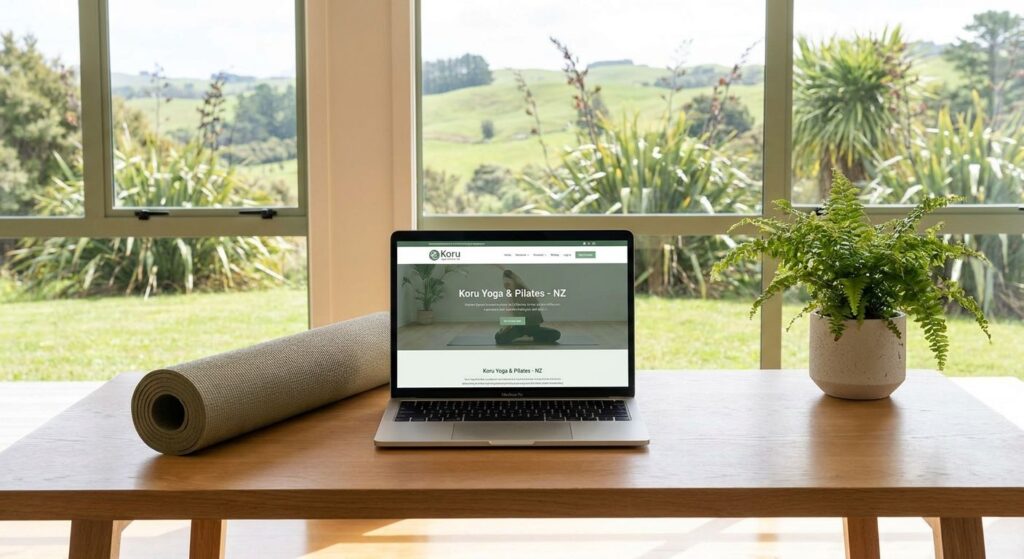
A yoga or Pilates studio website should help a visitor work out which class suits them, where and when it runs, what it costs and how to secure a place. For an existing member, the priority may be a quick route to the current timetable or account rather than reading the whole homepage again.
This agency-authored guide is a planning checklist for NZ studio owners. It does not guarantee fuller classes, fewer no-shows or Google positions, and it does not assume that replacing your existing booking platform is necessary.
Map the class decisions before choosing a layout
Separate the needs of a first-time visitor, a returning member and someone asking about a private session. List the information each needs before taking the next step. A reformer introduction, a mat class, a workshop and a one-to-one enquiry may require different routes.
- Identify class type, level, duration, location and any relevant prerequisites.
- Explain what to bring, how to arrive and where practical questions can be answered.
- Publish accurate instructor information and images with appropriate permission.
- Make the route to the current timetable and booking destination clearly labelled.
Decide who owns the timetable
Identify the system that holds the authoritative schedule, capacity and booking rules. If staff maintain a booking platform and a separate website timetable, agree how changes will be kept consistent. Check cancellations, instructor substitutions, public-holiday variations and temporary closures before presenting a schedule as current.
An embedded timetable is one option. A clear link to a well-functioning external booking page may also be appropriate. Compare the actual experience, including loading behaviour, keyboard access and the return route to studio information. The number of classes per week alone does not prove that a custom integration will pay for itself.
Explain packs, memberships and introductory offers
Show the options the studio actually sells, with enough context to choose between them. Record who approves prices and terms, and which system controls the final purchase information. Do not let the website advertise an old pack while checkout offers a different one.
Where relevant, explain eligibility, validity, included class types and the route to cancellation or membership information. Avoid implying that an enquiry reserves a place or that a pack purchase automatically books a particular class. These are separate events to verify in the selected platform.
Define the booking and waitlist states
Write down what the customer should see at each step. A button click, completed payment, submitted booking request, waitlist entry and confirmed attendance are not interchangeable. Identify which system sends each message and which staff member handles exceptions.
- Choose: the visitor selects the correct class, time and location.
- Check: the system shows the applicable availability, eligibility and payment requirements.
- Confirm: the customer receives an accurate status and knows whether further action is needed.
- Manage: the customer can find the agreed change, cancellation or contact route.
Before launch, agree controlled test cases with the studio and the platform owner, including a full class, failed payment or expired pack where relevant. Keep tests out of real attendance and sales reporting. This guide does not claim that any studio booking system has been tested by No Brainer.
Publish useful location and class information
For a physical studio, provide its accurate address, arrival details and relevant access information. For several locations, help visitors select the correct schedule and booking route. A genuine location page should explain meaningful differences; a page for every nearby suburb is not automatically useful or a route to outranking a national chain.
Choose visual language that fits the actual studio identity and makes information readable. There is no single colour palette or template style that all yoga and Pilates businesses need. Assess the work against the brief and representative content.
Verify the phone journey and handover
Review class details, timetable controls, price information, form labels and error messages on phones as well as desktop. Include the external booking destination, not just the marketing pages. Record what was tested, what remains outside the website supplier’s access and who will resolve it.
At handover, name the people responsible for classes, instructor changes, prices, platform renewals and website updates. Agree how to report genuine bookings and enquiries separately from button clicks and internal tests. A speed score or a newly published page is not evidence of increased attendance.
No Brainer is based in Auckland. Our web design service can be scoped around your current platform and studio requirements. Bring the timetable workflow and the tasks staff want to improve before deciding which features to build.
Studio website questions
Does every studio need a booking widget on its homepage?
No. Choose a clear route to the timetable and booking system that works for the studio and its customers. Compare an embedded widget with a labelled link, including mobile usability, speed, accessibility and ongoing maintenance.
Can we keep our current booking platform?
Assess it before replacing it. Confirm whether it supports the class, capacity, pack, membership and notification rules you actually use, and whether its website connection can be maintained.
Should the site show prices and class packs?
Provide the information needed to compare the options you genuinely offer. Explain pack validity, introductory-offer eligibility, booking rules and where current terms can be read before purchase.
How should a full class or waitlist appear?
Describe the state accurately. Joining a waitlist is not a confirmed class place. Check what happens when a place becomes available and which system sends the confirmation.
Do we need a page for every nearby suburb?
No. Publish useful information about real studio locations and the classes offered there. Do not create near-identical pages for places where the business has nothing distinct to explain.
Can one website support several studio locations?
Yes, if visitors can identify the correct address, timetable, class and booking destination. Use a structure that makes genuine location differences clear without duplicating every page.
How should mobile performance be assessed?
Test the actual class-information and booking journey on representative phones and connections, including any external system. A single loading threshold does not prove bookings will improve.
What should a studio website quote cover?
Specify pages, content, timetable connection, booking-system responsibilities, mobile and accessibility checks, reporting and handover. Identify platform subscriptions, payment fees and later changes separately.
Related planning guides
- Website planning for gyms and fitness studios
- SEO planning for gyms and fitness studios
- Website care and maintenance scope
Discuss your studio website brief with No Brainer, including the current booking platform and the scope you need help with.